Leveraging Web Components for Dynamic Personalization in E-commerce
When building modern e-commerce storefronts on platforms like Shopify, developers often face a dilemma: how to build highly dynamic, interactive interfaces without bloated frameworks. Integrating heavy framework bundles like React or Vue into a Liquid-based theme can ruin page performance and increase Largest Contentful Paint (LCP) times.
For the Mutmachbuch project, where users configure personalized children's books (selecting characters, names, and customized dedications), we chose a different path: Vanilla Web Components (Custom Elements). Here is why this approach excels for modern web engineering.
Why Web Components?
Web Components are native to the browser. They don't require compiling a large framework bundle, keeping JavaScript payloads extremely small (under 10KB) and encapsulation isolated.
class PersonalizationWizard extends HTMLElement {
  constructor() {
    super();
    this.currentStep = 1;
    this.formData = {};
  }

  connectedCallback() {
    this.render();
    this.setupListeners();
  }

  setupListeners() {
    this.addEventListener('click', (e) => {
      if (e.target.matches('.next-btn')) this.nextStep();
      if (e.target.matches('.prev-btn')) this.prevStep();
    });
  }

  nextStep() {
    if (this.validateCurrentStep()) {
      this.currentStep++;
      this.render();
    }
  }

  validateCurrentStep() {
    const input = this.querySelector(`[data-step="${this.currentStep}"] input`);
    return input ? input.value.trim() !== '' : true;
  }
}
Case Study: Mutmachbuch Storefront
See how we applied this Web Components architecture to power a dynamic, multi-step personalization wizard on the Shopify Essence theme, sync cart items, and maintain zero LCP lag.
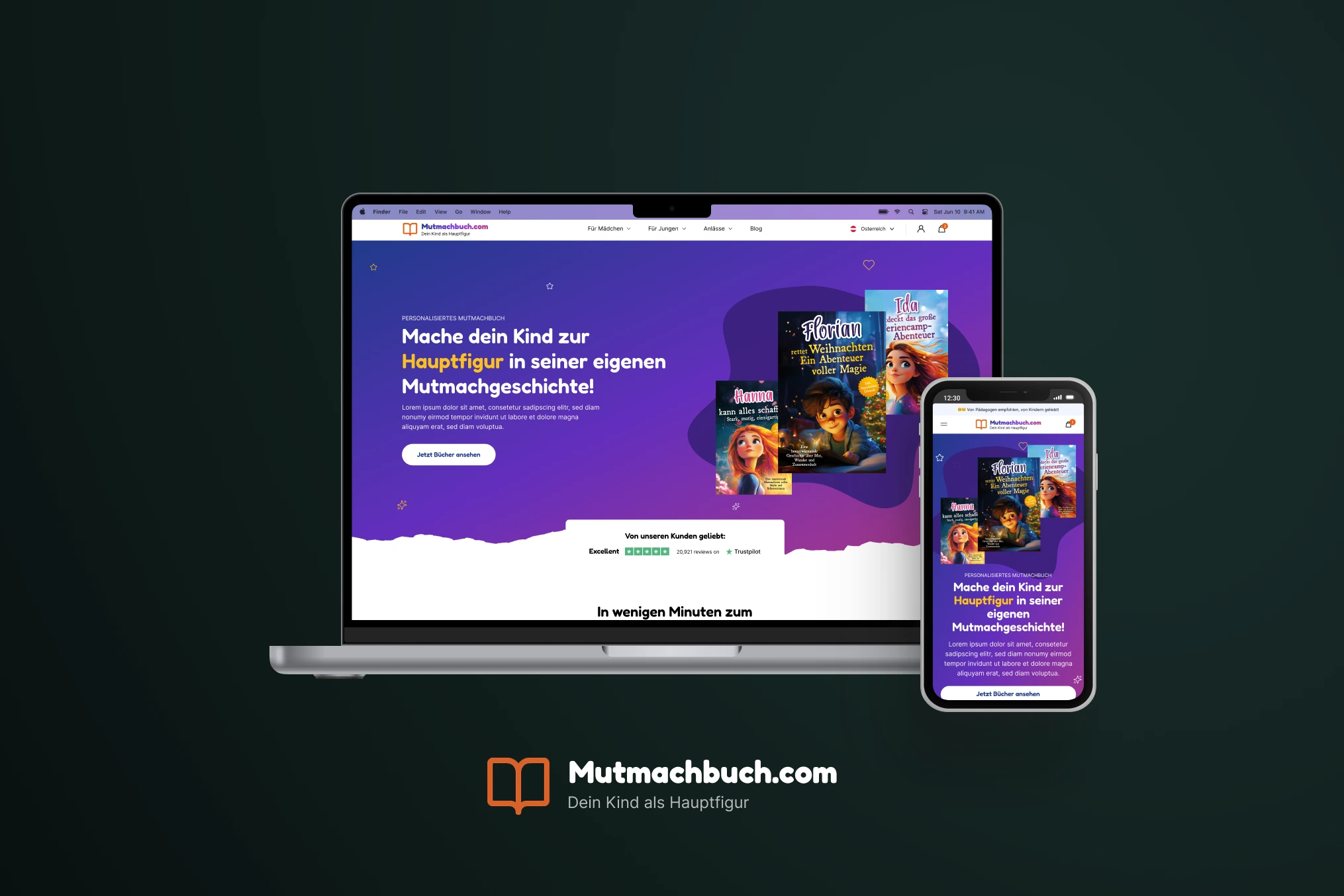
Mutmachbuch
Mutmachbuch sells curated books for children that are written by psychologists. What makes this project special is that every book sold is personalized for each child.
Seamless State Persistence
Using Custom Elements allows us to store the user's progress in sessionStorage, so even if they accidentally reload the product page, their characters' configurations remain intact. Once the final step is submitted, we bundle the selections into line-item properties and push them directly to the Shopify Cart API, delivering a seamless personalized checkout experience.